Best Social Media Aggregator Tools in 2026: Pull Every Feed, Hashtag & Review Into One Dashboard
You open Instagram to check your brand mentions. Then X to scan replies. Then TikTok to see if anyone used your campaign hashtag. Then Facebook to read page reviews. Then LinkedIn to monitor company post engagement. That's five apps, five logins, and twenty minutes gone before you've even had your coffee. Now imagine pulling all of that into a single live feed you can monitor from one screen — or better yet, embed directly on your website so your visitors see your social proof working for you around the clock. That's what a social media aggregator tools does. It collects posts, mentions, hashtags, and reviews from every platform you use and consolidates them into one unified stream. No tab-switching. No missed mentions. No stale website content. This guide covers exactly how these tools work, the seven best options available in 2026, and a step-by-step process for embedding a live social feed on your website this afternoon. What Exactly Does a Social Media Aggregator Do? Every social media aggregator performs three core functions. Understanding them helps you evaluate which tool fits your needs. Feed collection is the foundation. The tool connects to platform APIs — Instagram Graph API, X API v2, TikTok Display API, YouTube Data API — and pulls posts, reels, tweets, and videos from your specified accounts or hashtags into a single scrolling stream. Moderation and filtering gives you control. You approve, hide, or flag content before it appears publicly. This matters enormously when you're aggregating user-generated content (UGC) …
You open Instagram to check your brand mentions. Then X to scan replies. Then TikTok to see if anyone used your campaign hashtag. Then Facebook to read page reviews. Then LinkedIn to monitor company post engagement.
That’s five apps, five logins, and twenty minutes gone before you’ve even had your coffee.
Now imagine pulling all of that into a single live feed you can monitor from one screen — or better yet, embed directly on your website so your visitors see your social proof working for you around the clock.
That’s what a social media aggregator tools does. It collects posts, mentions, hashtags, and reviews from every platform you use and consolidates them into one unified stream. No tab-switching. No missed mentions. No stale website content.
This guide covers exactly how these tools work, the seven best options available in 2026, and a step-by-step process for embedding a live social feed on your website this afternoon.
What Exactly Does a Social Media Aggregator Do?
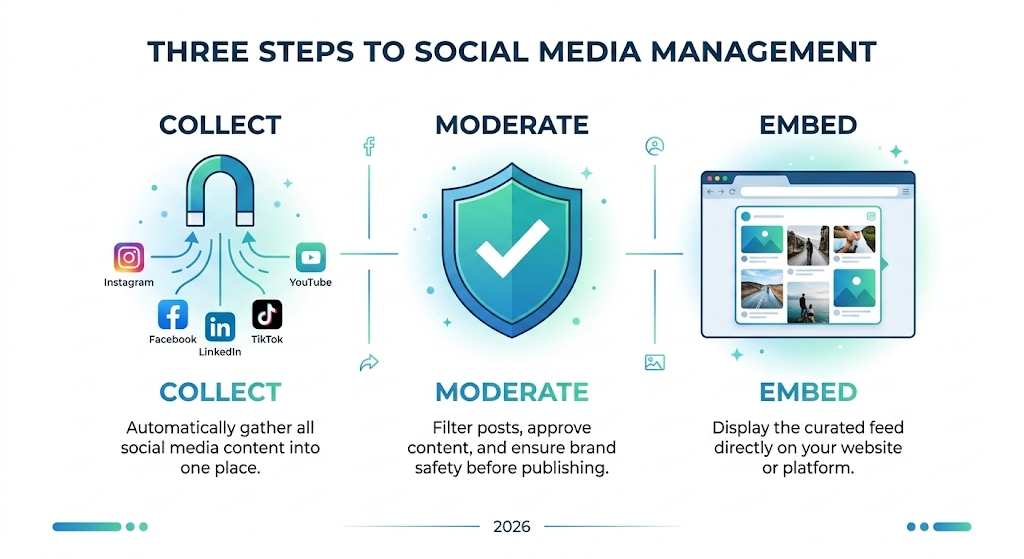
Every social media aggregator performs three core functions. Understanding them helps you evaluate which tool fits your needs.
Feed collection is the foundation. The tool connects to platform APIs — Instagram Graph API, X API v2, TikTok Display API, YouTube Data API — and pulls posts, reels, tweets, and videos from your specified accounts or hashtags into a single scrolling stream.
Moderation and filtering gives you control. You approve, hide, or flag content before it appears publicly. This matters enormously when you’re aggregating user-generated content (UGC) because you can’t control what customers post with your hashtag.
Embedding and display is where the real value lives for most small businesses. The tool generates a widget — a grid, carousel, masonry wall, or slider — that you paste onto your website. The widget updates automatically, keeping your site fresh without manual effort.
6 Real-World Use Cases for Small Businesses
Before diving into tool comparisons, here’s what social media aggregation actually looks like in practice.
Product page social proof. An e-commerce store aggregates Instagram posts tagged with their brand hashtag and embeds them directly on product pages. Visitors see real customers wearing, using, or reviewing the product — which converts better than any stock photo.
Live event social walls. A conference displays a real-time feed of attendee posts using the event hashtag on a large screen near the registration desk. It drives engagement and creates FOMO for people watching online.
Brand mention monitoring. A restaurant owner tracks every mention of their business across X, Instagram, and Facebook from one dashboard instead of checking each app separately. They catch negative reviews within hours instead of days.
UGC campaign curation. A fitness brand collects customer transformation photos shared with a campaign hashtag, moderates the best ones, and repurposes them in paid ads with the creator’s permission.
Homepage freshness. A local salon embeds their latest Instagram posts on their website homepage. Visitors always see current content even if the business hasn’t updated the site in weeks.
Competitor listening. A small marketing agency tracks competitor hashtags alongside their own to spot trending topics and content gaps they can exploit.
Top 7 Social Media Aggregator Tools Compared (2026)
1. Taggbox — Best for Embedding Social Feeds on Websites
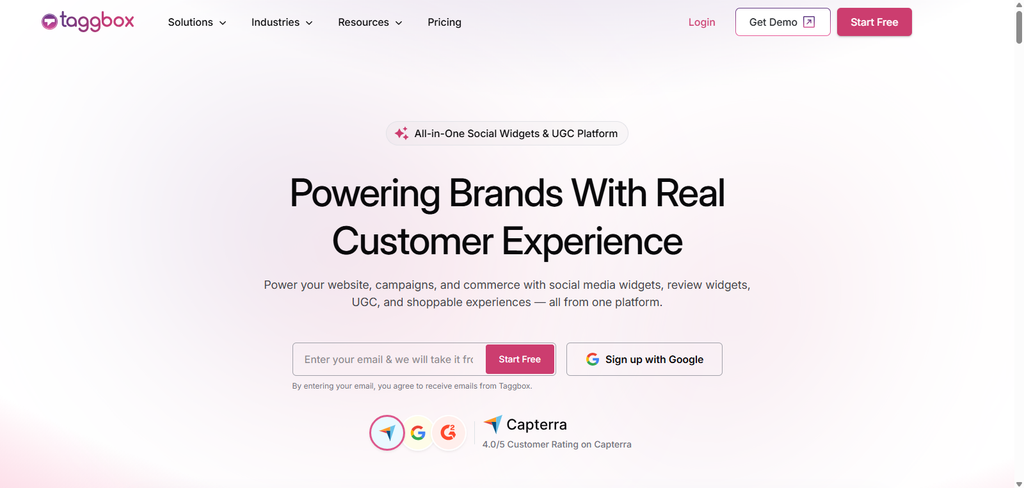
Taggbox collects content from 15+ platforms by hashtag, handle, or URL and turns it into customizable embeddable walls. You choose the layout (grid, carousel, masonry, slider), match the colors to your brand, and paste a short code snippet into your site.
Free tier: One social wall with basic styling and a Taggbox watermark. Paid: Starts around $24/month for premium themes, moderation, analytics, and watermark removal.
Best for: E-commerce stores and local businesses wanting a plug-and-play social proof widget on their website.
Honest limitation: The free tier’s watermark looks unprofessional on a customer-facing site. You’ll need the paid plan for any public-facing use.
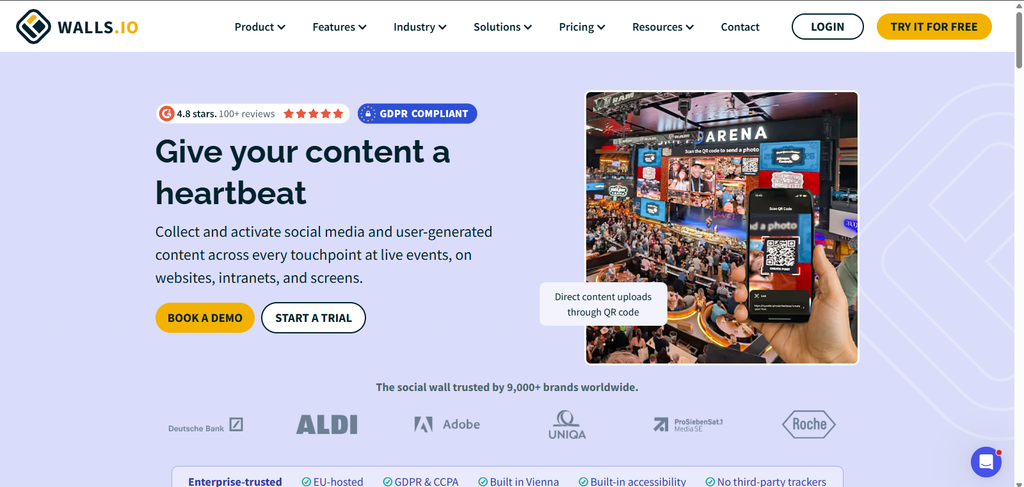
2. Walls.io — Best for Live Event Hashtag Walls
Walls.io is purpose-built for real-time hashtag aggregation at events, conferences, and retail locations. It supports Instagram, X, Facebook, YouTube, TikTok, and RSS, and displays posts on large screens with minimal latency.
Free tier: One wall with limited post volume and Walls.io branding. Paid: Starts around $30/month for custom branding, full moderation, and higher post limits.
Best for: Event organizers, trade show booths, and retail displays.
Honest limitation: Optimized for live screens, not everyday website embedding. If you need a permanent homepage widget, Taggbox or EmbedSocial is a better fit.
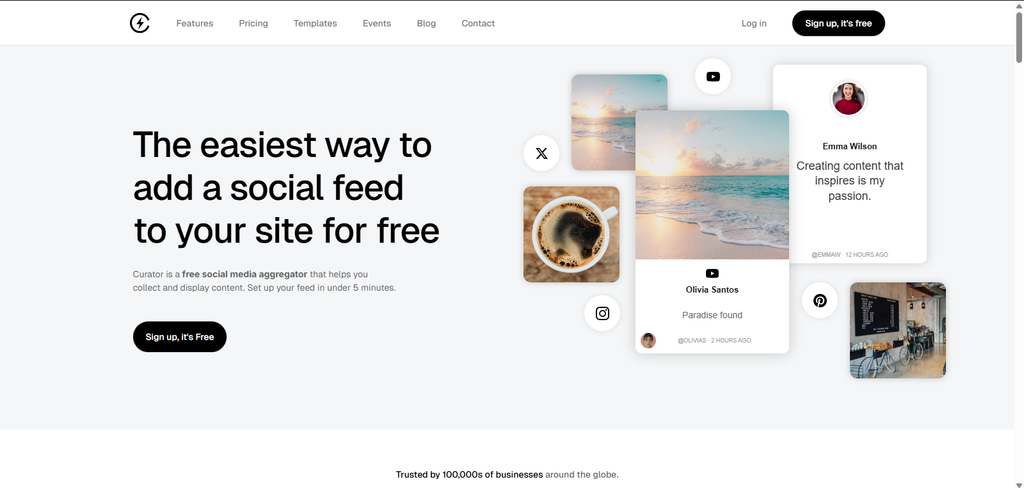
3. Curator.io — Best for Content Curation and Blog Integration
Curator.io blends social posts with RSS feeds into a single curated stream. Its filtering and tagging system lets you organize content by topic, making it ideal for content-heavy businesses that want to mix social proof with editorial content.
Free tier: One feed with up to 5 sources. Paid: Starts around $19/month for unlimited sources and custom styling.
Best for: Blogs, news sites, and agencies that want to combine social posts with article feeds in one display.
Honest limitation: The interface feels dated compared to Taggbox and Walls.io. Design customization options are limited on lower tiers.
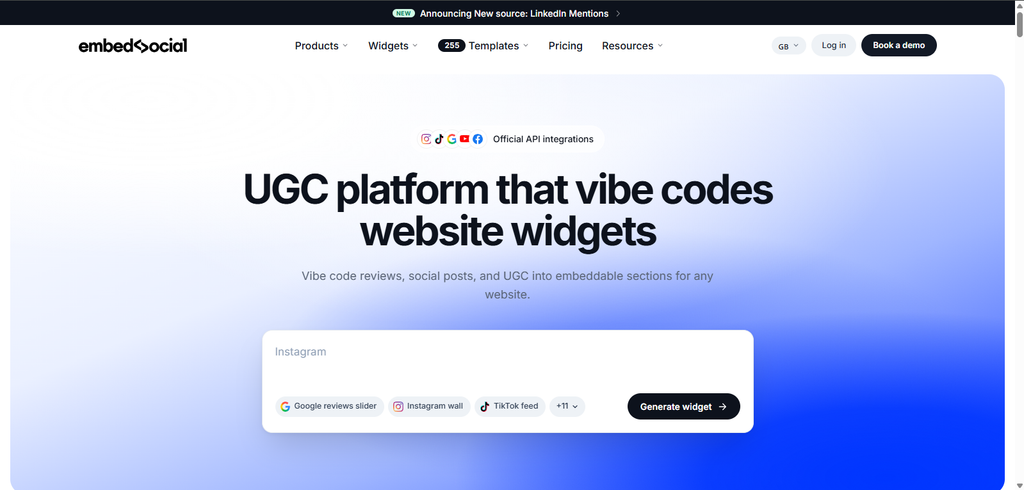
4. EmbedSocial — Best for Shopify and WordPress Users
EmbedSocial specializes in embedding Instagram feeds, Facebook reviews, and TikTok videos directly into Shopify stores and WordPress sites. Both platforms offer one-click app installation — no code required.
Free tier: One widget with basic styling. Paid: Starts around $19/month for multiple widgets, UGC collection, and shoppable Instagram feeds that link products directly to social posts.
Best for: E-commerce businesses on Shopify who want Instagram photos on product pages with minimal setup.
Honest limitation: Outside Shopify and WordPress, embedding requires manual code insertion. If your site runs on Webflow or Squarespace, setup is less seamless.
5. Hootsuite — Best for Full Social Media Management
Hootsuite goes well beyond aggregation. It combines feed monitoring, post scheduling, analytics, team collaboration, and social listening into one command center. Its stream-based dashboard lets you create custom columns for hashtags, mentions, keywords, and specific accounts.
Free tier: Discontinued in 2026. A 30-day trial is available. Paid: Starts around $99/month for 1 user and 10 social accounts.
Best for: Growing businesses with a dedicated social media manager who needs a complete management suite, not just a display widget.
Honest limitation: Overkill if you only need feed aggregation. You’re paying for scheduling, analytics, and team features you may never use. A simpler tool like Taggbox handles display at a fraction of the cost.
6. Sprout Social — Best for Teams Needing Deep Analytics
Sprout Social offers enterprise-grade listening and reporting. It aggregates mentions, hashtags, and engagement data across platforms into detailed visual reports that track sentiment, share of voice, and audience demographics over time.
Free tier: None. 30-day trial available. Paid: Starts around $249/month per seat.
Best for: Mid-size businesses and agencies with multiple team members managing social media across several brands.
Honest limitation: The pricing puts it out of reach for most small businesses. At $249/seat/month, you need a team large enough to justify the investment. Solo founders and small teams should look elsewhere.
7. Juicer — Best Free Option for Simple Embeds
Juicer is a lightweight aggregator that pulls from Instagram, X, Facebook, YouTube, TikTok, and RSS into a single embeddable feed. Its standout advantage: no branding watermark on the free plan.
Free tier: One feed with up to 2 sources and 200 posts. No Juicer logo. Paid: Starts around $19/month for unlimited sources, posts, and styling options.
Best for: Budget-conscious small businesses that want a clean, professional social feed on their website without paying a cent.
Honest limitation: Customization is basic on the free tier. You get a functional feed, but not the polished design control that Taggbox or EmbedSocial offer on their paid plans.
Free vs. Paid: What You Actually Get at Each Level
Free tiers across most aggregators include 1–2 feeds, 2–5 connected sources, basic styling, and post limits between 100–500. You typically get no moderation queue, no analytics, and platform branding on your widget (Juicer being the notable exception).
Paid plans unlock unlimited feeds and sources, full design customization, content moderation workflows, engagement analytics, shoppable feed capabilities, and priority support. Pricing ranges from $19–$50/month for small business tiers.
The practical cutoff: Free works if you’re embedding a single Instagram feed on your homepage and don’t need moderation. It doesn’t work if you’re running a UGC campaign, managing multiple brand hashtags, or need the widget to look polished on a customer-facing website.
The API Problem: Why Some Aggregators Stopped Working in 2025–2026
This is the section most comparison articles skip, and it’s the reason many small businesses sign up for an aggregator only to discover it can’t pull the data they expected.
Meta significantly restricted third-party API access in 2025, tightening app review processes and limiting available data types. Instagram Stories and certain engagement metrics are no longer accessible to most aggregator tools without enterprise-level API approval.
X moved to paid API tiers starting in 2023, and by 2026, free API access is essentially non-existent for aggregation use cases. Most aggregator tools now either pass those costs through to users or limit X integration to higher-priced plans.
TikTok’s Display API requires individual creator authorization, meaning you can’t aggregate TikTok content at scale without explicit consent from each user whose posts you want to display.
What this means for you right now: Not all aggregators support all platforms equally. A tool that pulled Instagram Stories and X impressions in 2023 may no longer offer those features. Always verify current platform support on the aggregator’s website before signing up — don’t rely on feature lists from 2024 reviews.
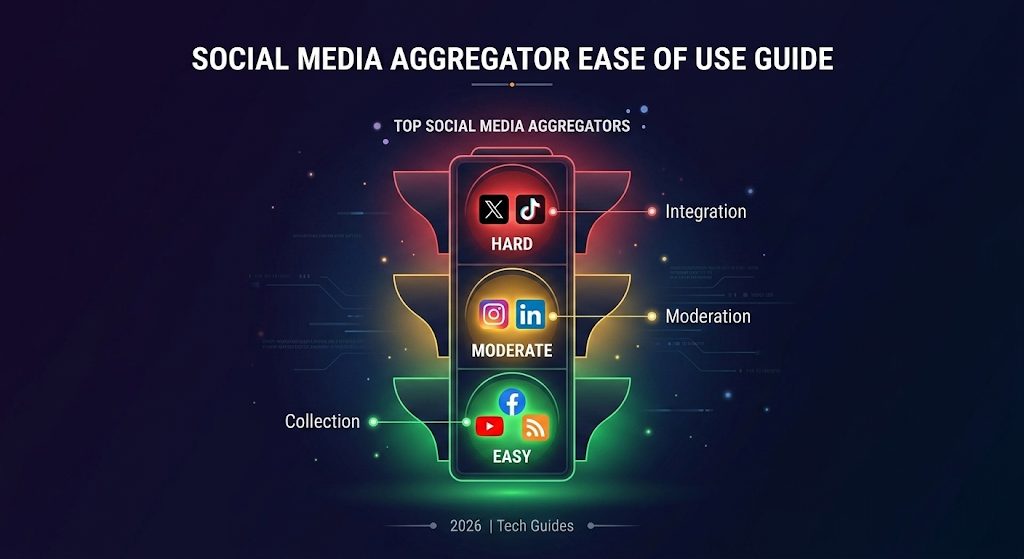
Current platform difficulty ranking for aggregation:
Easiest: YouTube (open Data API), Facebook Pages (Graph API functional for public pages), RSS feeds (no restrictions)
Moderate: Instagram (Graph API works for Business/Creator accounts with proper authorization), LinkedIn (limited API for company pages)
Hardest: X (paid API tiers), TikTok (individual consent required per creator)
How to Embed a Social Feed on Your Website (Step-by-Step)
This process takes about 15 minutes regardless of which aggregator you choose.
Step 1: Connect your accounts. Sign up for your chosen tool and authorize it via OAuth. You never share your password — the tool receives a limited access token you can revoke anytime from your social media account settings.
Step 2: Define your sources. Select which feeds to aggregate: your brand’s Instagram handle, a campaign hashtag on X, your YouTube channel, your Facebook page. Most tools let you combine multiple sources into one unified feed.
Step 3: Set moderation rules. Enable manual approval if you’re displaying user-generated content. Add keyword filters to automatically hide posts containing spam, profanity, or competitor mentions.
Step 4: Customize the widget. Choose your layout (grid, carousel, masonry, slider). Match colors and fonts to your website’s branding. Set the number of visible posts and the refresh frequency.
Step 5: Copy and paste the embed code. The aggregator generates a short HTML/JavaScript snippet. Paste it into your website’s HTML, WordPress widget area, Shopify section, or CMS embed block. The feed updates automatically from this point forward.
Step 6: Test on mobile and desktop. Some layouts that look great on desktop break on mobile. Check both screen sizes and adjust column counts and image sizes accordingly.
Social Media Aggregation vs. Scheduling: Know the Difference
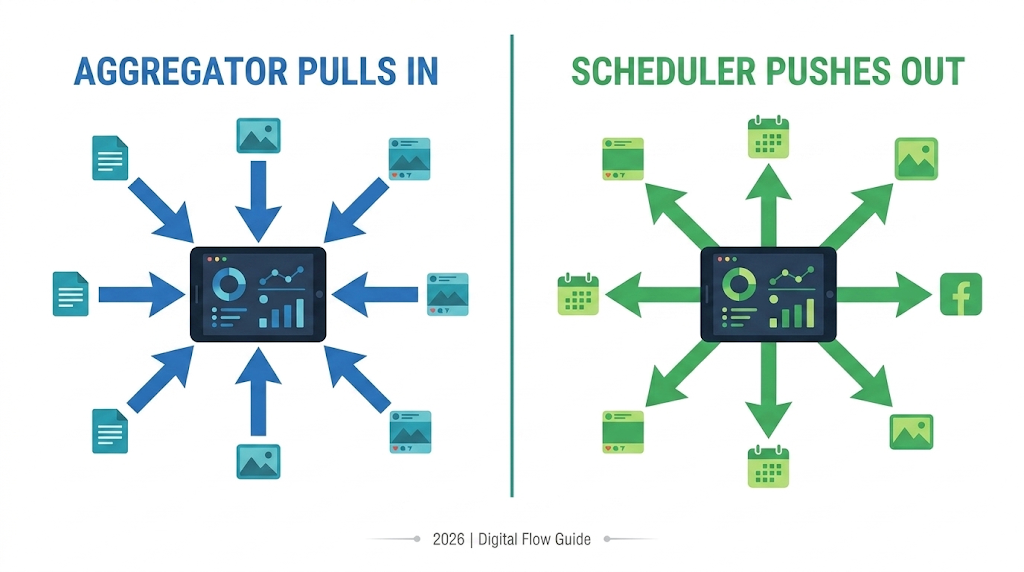
These two tool categories get confused constantly, but they solve opposite problems.
Aggregators pull content in. They collect and display content that already exists on social platforms. They’re read-only tools for monitoring, curating, and embedding.
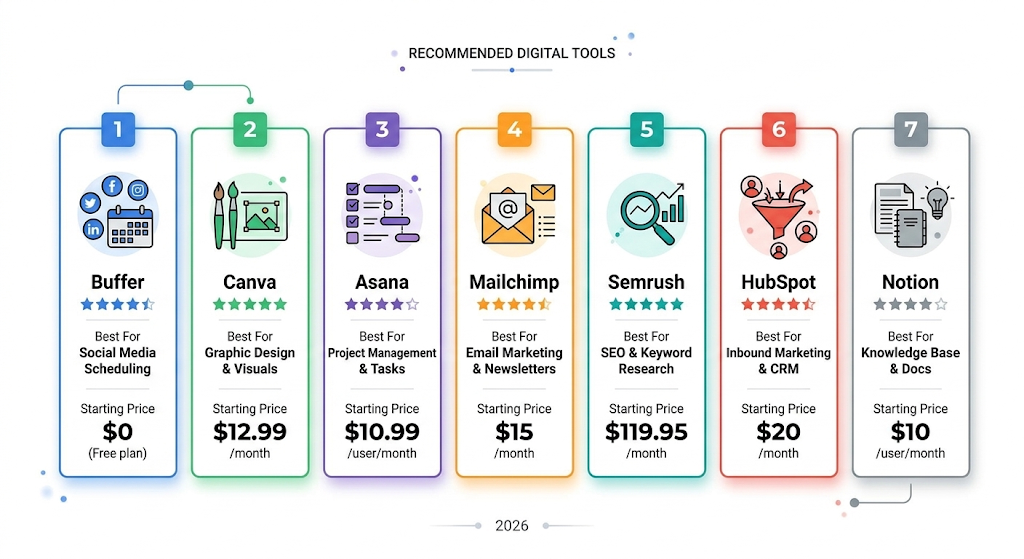
Schedulers push content out. Tools like Buffer (which we covered in our 7 Free AI Tools for Small Business Owners guide) let you compose and publish posts to multiple platforms from one dashboard. They’re write tools.
Most small businesses benefit from one of each. Use a scheduler to maintain consistent posting. Use an aggregator to pull social proof back onto your website and monitor brand mentions.
Frequently Asked Questions
What is the best free social media aggregator tool in 2026?
Juicer offers the best free tier. It supports 2 sources and 200 posts with no branding watermark — a rare advantage over Taggbox and Walls.io, which add their logos to free feeds. For hashtag-specific aggregation with more design options, Taggbox’s free tier is functional but watermarked.
Can I aggregate Instagram posts on my website for free?
Yes. Juicer, Taggbox, and EmbedSocial all offer free Instagram feed embedding. However, due to Meta’s 2025 API restrictions, you need an Instagram Business or Creator account. Personal Instagram accounts can no longer be connected to third-party aggregator tools.
Is it legal to display other people’s social media posts on my website?
Generally yes, if the posts are public and you’re using the platform’s official embed functionality or an authorized API. Aggregation tools that use official APIs operate within platform terms of service. Don’t download and re-upload someone else’s content as your own. For UGC campaigns, request explicit permission before featuring a customer’s post prominently.
How often does an aggregated social feed update?
Most aggregators refresh every 15–60 minutes on free plans and every 1–5 minutes on paid plans. Real-time updates under one minute are typically reserved for enterprise tiers. For most small business use cases, a 15-minute refresh rate is sufficient.
Will a social media aggregator slow down my website?
It can if the widget loads too many images simultaneously. Choose an aggregator that uses lazy loading and serves optimized image sizes. Taggbox and EmbedSocial handle this well. Avoid embedding more than 20–30 posts on a single page to keep load times fast.
Can I aggregate TikTok and X content in 2026?
TikTok aggregation is possible but limited by individual creator consent requirements through the Display API. X aggregation has become expensive since X moved to paid API tiers — most tools pass those costs to users or restrict X integration to premium plans. Verify current support before purchasing.
Do social media aggregators work with Shopify?
Yes. EmbedSocial and Taggbox both offer dedicated Shopify apps with one-click installation. They embed Instagram feeds, UGC galleries, and shoppable social posts directly onto product pages and your homepage.
Quick-Start Recommendation
Need a free social feed on your website today? Start with Juicer — no watermark, no credit card, 15-minute setup.
Want a polished UGC widget that drives conversions? Go with Taggbox on a paid plan.
Running a live event next month? Use Walls.io for real-time hashtag walls.
Need full social media management beyond aggregation? Evaluate Hootsuite or Sprout Social when your team and budget justify the investment.